
Introduction
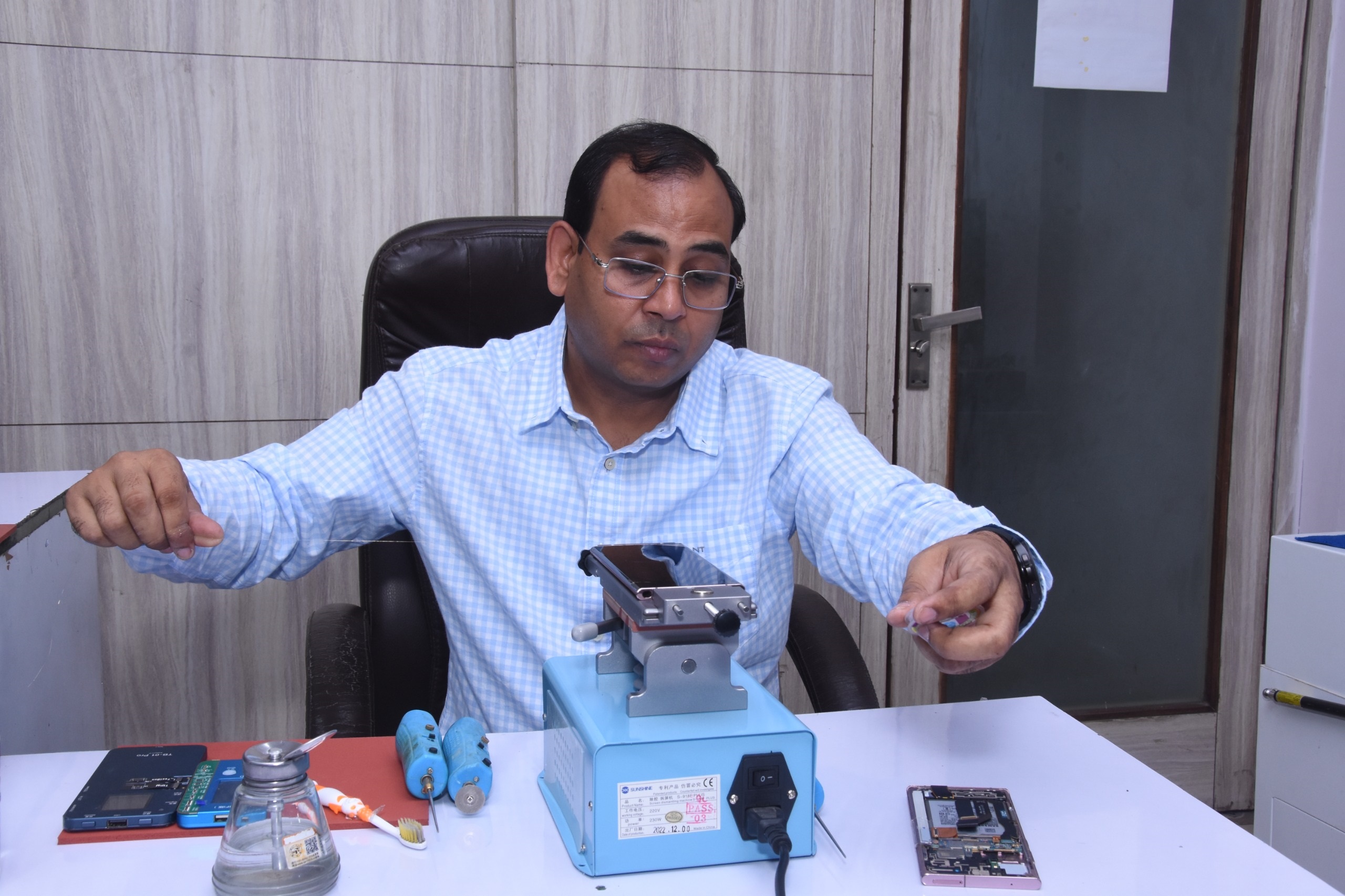
Mobile display repairing has become one of the fastest-growing skills in the smartphone repair industry. Every day, thousands of users visit repair shops because of cracked glass, green line issues, touch problems, black screens, or damaged OLED displays. As a result, technicians who understand modern display repair techniques are in high demand.
However, repairing a smartphone display is much more than simply replacing a screen. It requires precision, proper tools, and continuous practice. Even a small mistake can permanently damage an expensive display.
Therefore, if you are learning mobile repairing or already working as a technician, these Mobile Display Repairing Tips will help you improve your repair quality, reduce mistakes, and build customer trust.
Why Mobile Display Repairing Skills Matter
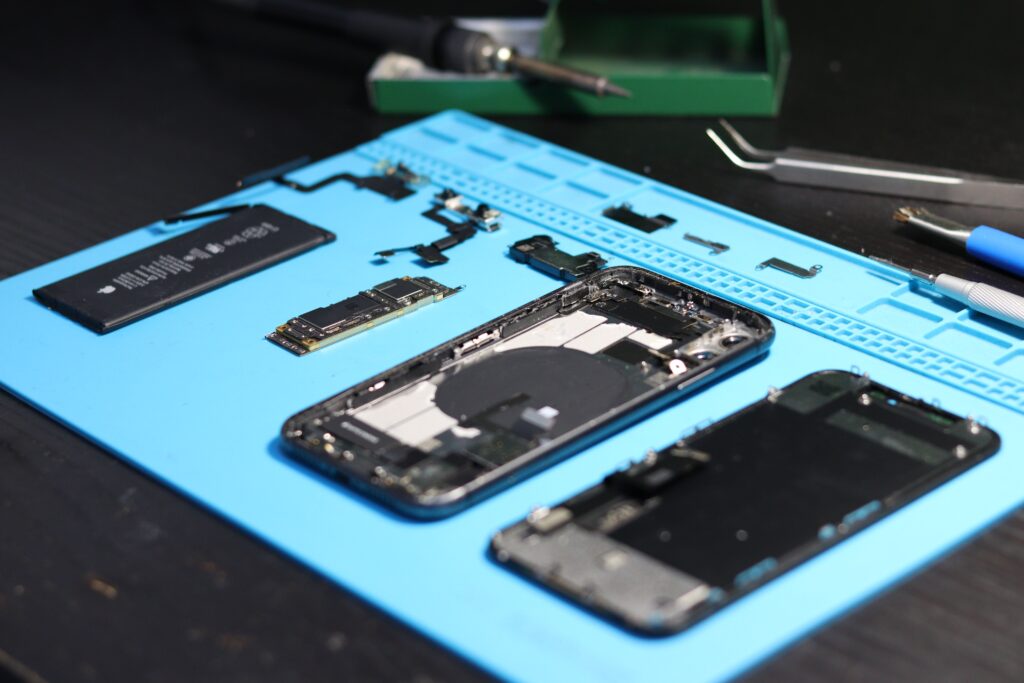
Modern smartphones use technologies such as:
- OLED Displays
- AMOLED Displays
- LTPO Displays
- Foldable Displays
- Curved Edge Displays
- High Refresh Rate Screens
Because these displays are expensive, many customers prefer professional repair instead of complete replacement. Consequently, skilled technicians have better career and business opportunities.
25 Mobile Display Repairing Tips Every Technician Should Follow
1. Diagnose the Display Before Opening the Phone
Never start repairing immediately.
Instead:
- Check touch response.
- Test display brightness.
- Verify face unlock or fingerprint functionality.
- Inspect for green lines or flickering.
- Test all display colors.
A proper diagnosis saves both time and money.
2. Use Professional Repair Tools
Using low-quality tools increases the risk of damaging the display.
Professional technicians generally use:
- LCD Separator
- OCA Laminator
- Bubble Remover
- Stereo Microscope
- Hot Air Station
- Precision Screwdriver Set
- Display Tester
Quality tools improve repair accuracy.
3. Organize Every Screw Carefully
Different smartphones use screws of different lengths.
Therefore:
- Keep screws organized.
- Label screw positions.
- Avoid mixing them.
Even one wrong screw may damage the motherboard.
4. Control Temperature Carefully
Excessive heat can damage:
- OLED panels
- Display flex cables
- Plastic frames
- Adhesive layers
Always follow safe heating practices.
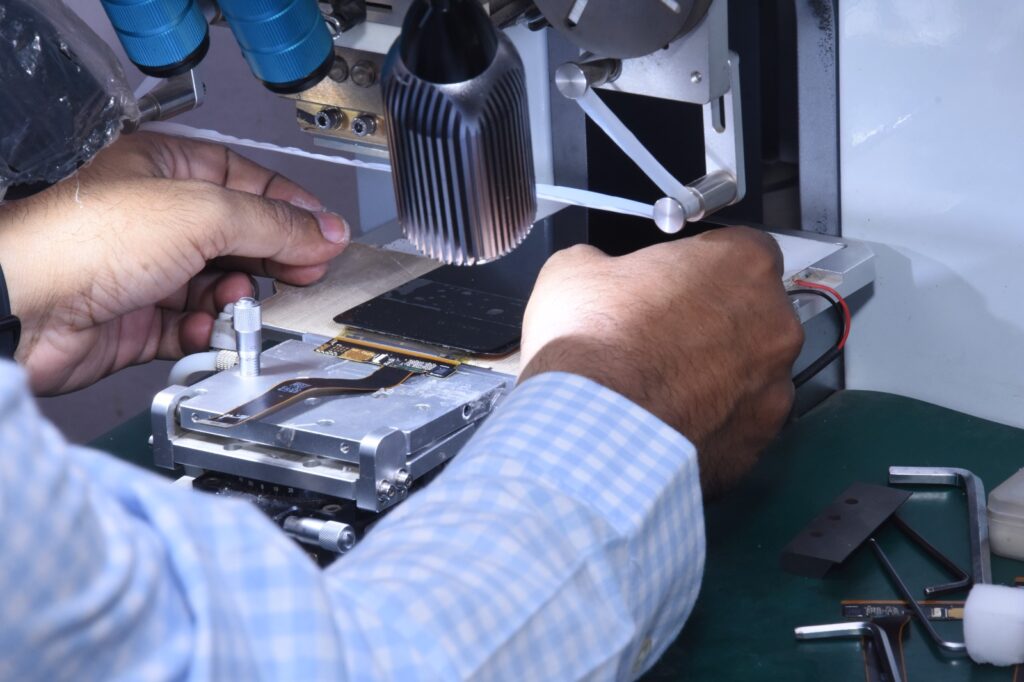
5. Never Rush Glass Separation
Glass separation requires patience.
Instead of applying force:
- Heat evenly.
- Move wire slowly.
- Maintain proper angle.
- Protect the OLED layer.
Slow work often produces better results.
6. Clean the Display Properly
Dust particles create bubbles during lamination.
Before OCA installation:
- Remove glue residue.
- Use microfiber cloth.
- Wear gloves.
- Keep the work area clean.
Cleanliness improves the final finish.
7. Choose High-Quality OCA Film
Cheap OCA sheets may reduce display quality.
Instead, choose reliable materials that provide:
- Better transparency
- Strong bonding
- Long-lasting performance
8. Inspect Every Flex Cable
Before reassembling:
- Check bends.
- Look for cracks.
- Inspect connectors.
- Verify locking clips.
A damaged flex cable can create intermittent faults.
9. Test Before Final Assembly
Always test:
- Touch
- Display
- Brightness
- Sensors
- Camera
- Face ID (where applicable)
Testing first prevents unnecessary reopening.
10. Practice on Damaged Displays First
Beginners should avoid learning on expensive customer devices.
Instead:
- Practice on damaged displays.
- Repeat the same repair several times.
- Build confidence gradually.
11. Learn OLED Repair Separately
OLED repairing requires techniques that differ from LCD repair.
Understanding OLED technology improves repair success.
12. Understand Display Layers
A technician should know:
- Glass
- OCA
- Polarizer
- OLED
- Backlight (LCD models)
- Flex Cable
This knowledge helps identify faults correctly.
13. Never Ignore Moisture Damage
Liquid damage often affects display connectors.
Therefore:
- Inspect corrosion.
- Clean connectors.
- Dry components completely.
14. Protect Customer Data
Always:
- Request permission before testing.
- Handle devices carefully.
- Respect customer privacy.
Professional behavior builds trust.
15. Maintain a Clean Workspace
An organized repair bench reduces mistakes and improves efficiency.
16. Keep Learning New Technologies
Display technology changes every year.
Stay updated with:
- Foldable Displays
- LTPO Screens
- Under Display Sensors
- New OLED Generations
17. Learn COF IC Basics
Many green line problems relate to COF IC.
Although advanced repair requires specialized training, understanding the basics helps with diagnosis.
18. Practice Under a Microscope
Microscope practice improves:
- Precision
- Soldering quality
- Inspection accuracy
19. Avoid Cheap Adhesives
Good adhesive improves durability and finishing.
20. Record Every Repair
Maintain records of:
- Device model
- Fault
- Solution
- Customer feedback
These records help improve future repairs.
21. Follow ESD Safety
Static electricity can damage sensitive electronic components.
Use anti-static protection whenever possible.
22. Improve Communication Skills
Explain:
- Fault
- Repair process
- Expected outcome
- Estimated time
Good communication increases customer confidence.
23. Continue Practicing Daily
Practical experience is the fastest way to improve technical skills.
24. Learn from Genuine Technical Resources
Read repair documentation from trusted sources instead of relying only on social media videos.
25. Invest in Professional Training
Finally, structured practical training helps technicians avoid common mistakes and learn advanced repair methods under expert guidance.
Common Mistakes Beginners Should Avoid
Many beginners:
- Use excessive heat.
- Pull flex cables roughly.
- Skip display testing.
- Ignore dust before lamination.
- Buy poor-quality tools.
- Forget screw organization.
Avoiding these mistakes can significantly improve repair quality.
Essential Skills Every Display Technician Should Learn
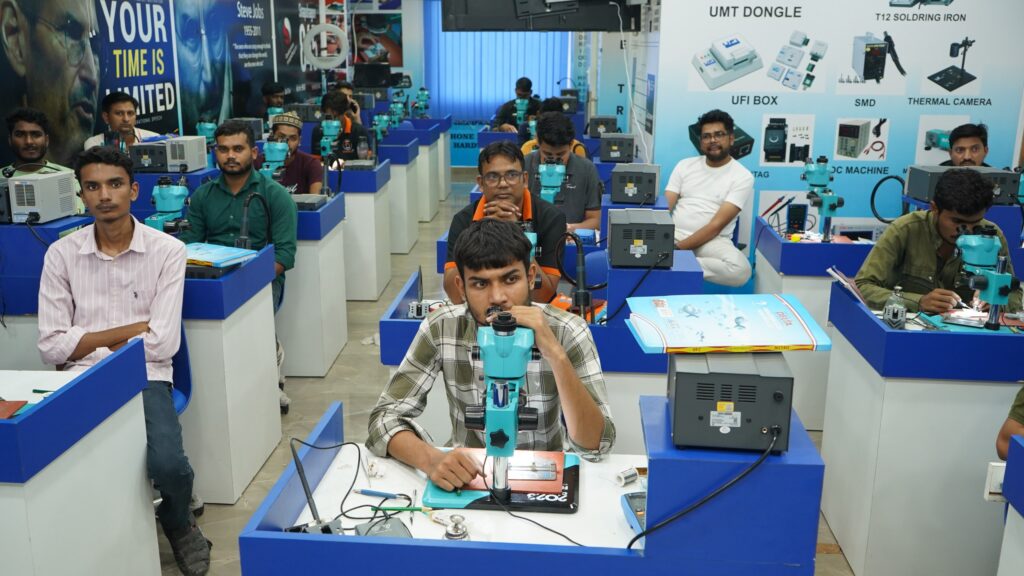
Besides display replacement, professionals should also learn:
- OLED Repair
- AMOLED Repair
- OCA Lamination
- Bubble Removal
- Edge Glass Repair
- COF IC Basics
- Display Line Repair
- iPhone Display Repair
- Fold & Flip Display Repair
Learning multiple skills increases career opportunities.
Why Choose Screen Fixer Institute?
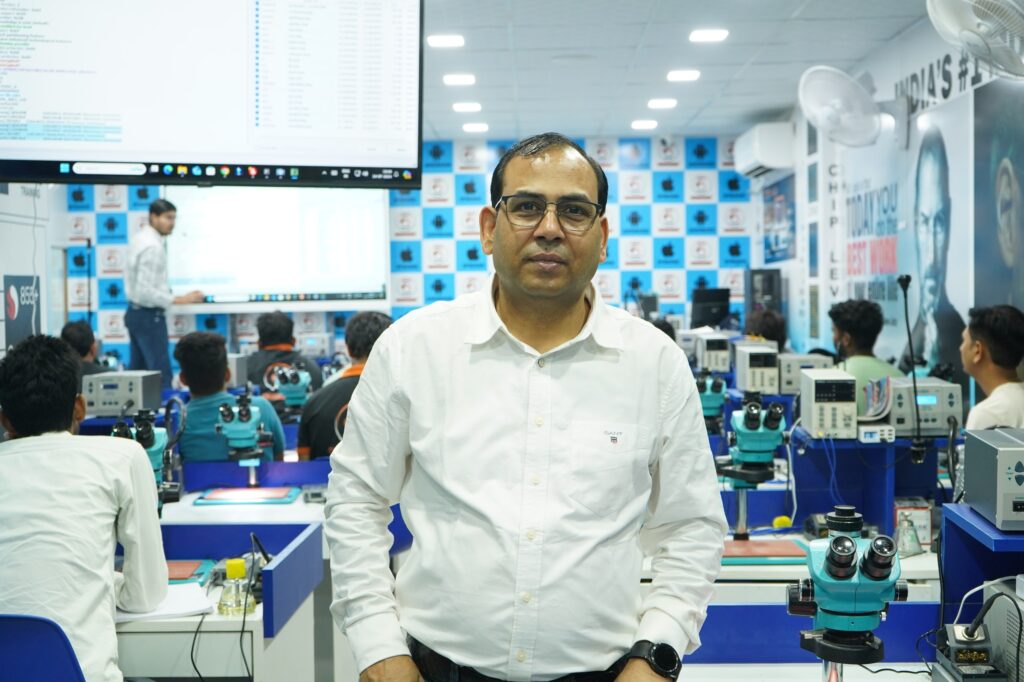
If you want to learn professional mobile display repairing, choosing the right institute is important.
At Screen Fixer Institute, students receive:
- 100% Practical Training
- Live Mobile Repair Practice
- OLED & AMOLED Repair Training
- Edge Glass Repair
- iPhone Display Repair
- COF IC Training
- Display Line Repair
- Fold & Flip Display Training
- Modern Repair Lab
- Industry Experienced Trainers
- Course Completion Certificate
- Lifetime Technical Support
Related Articles
To strengthen your knowledge, also read:
- Mobile Repairing Course
- Mobile Display Repairing Course
- Advanced Mobile Display Repairing Course with Certificate
- Mobile Display Repairing Course Fees
- Certified Mobile Repairing Institute
- iPhone Display Repairing Course
- COF IC Training
- Display Line Repair Training
- Edge Glass Display Repairing Course
- Fold & Flip Display Training
- Android Track Repairing Course
- iPhone Track Repairing Course
These related articles help readers understand display repairing from beginner to advanced levels.
Trusted Global Resources
For additional technical knowledge, you can also refer to:
- Apple Support – https://support.apple.com/
- Android Developers – https://developer.android.com/
- iFixit Repair Guides – https://www.ifixit.com/
These resources provide official documentation and repair-related technical information.
Frequently Asked Questions
Can beginners learn mobile display repairing?
Yes. With structured practical training and regular practice, beginners can gradually develop display repairing skills.
Which display technology should I learn first?
It is helpful to begin with LCD basics and then progress to OLED and AMOLED repair techniques.
Are professional tools necessary?
Yes. Using quality tools generally improves safety, precision, and repair quality.
How can I improve my display repairing skills?
Practice regularly, learn from experienced trainers, stay updated with new technologies, and follow proper repair procedures.
Join Screen Fixer Institute
Ready to build a career in mobile display repairing?
Screen Fixer Institute
✅ 100% Practical Training
✅ Live Mobile Repair Practice
✅ OLED, AMOLED & iPhone Display Repair
✅ COF IC & Display Line Repair Training
✅ Modern Repair Laboratory
✅ Course Completion Certificate
✅ Lifetime Technical Support
📞 Call / WhatsApp: 9250414142
🌐 Website: https://www.screenfixerdelhi.com
📍 Address:
RZD-70, 2nd Floor, Mahavir Enclave Main, Palam Dabri Road, Above ICICI Bank, Near Dashrath Puri Metro Station, Under Lenskart, New Delhi – 110045