
Introduction
A modern smartphone technician needs more than screwdrivers, soldering equipment, and display repair machines. Many smartphone problems are related to software rather than physical components. As a result, understanding Mobile Repair Software Tools has become an important part of professional mobile repairing.
A phone may have problems such as boot loops, software crashes, failed updates, application errors, or operating-system issues. In some cases, the hardware is working correctly, but the software needs troubleshooting.
Therefore, technicians who understand both hardware and software can handle a wider range of customer problems.
What Are Mobile Repair Software Tools?
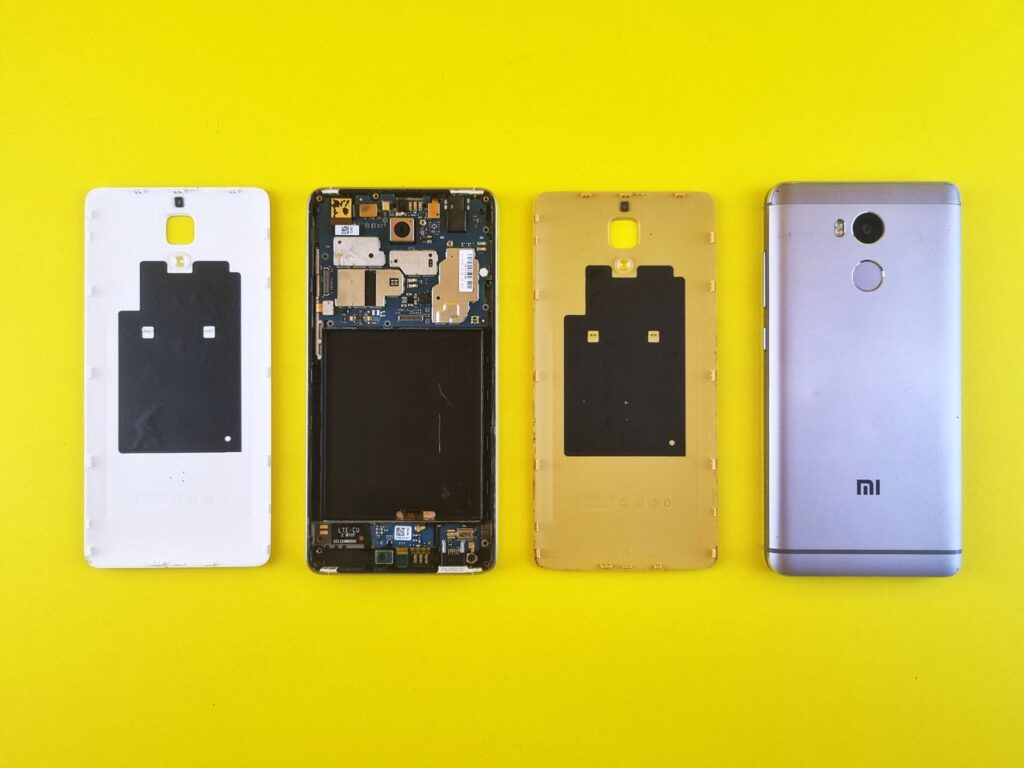
Mobile Repair Software Tools are applications, utilities, drivers, and diagnostic platforms that technicians use to troubleshoot and service smartphones.
Depending on the device and repair requirement, software tools can help with:
- Device diagnostics
- Firmware installation
- Software updates
- Backup and restoration
- Device identification
- Error analysis
- System troubleshooting
- Recovery procedures
- Testing and diagnostics
However, different manufacturers use different systems. Therefore, technicians should always use tools that are appropriate for the specific device and repair procedure.
Why Software Tools Matter in Mobile Repair
Smartphones are essentially small computers. Their operating systems, drivers, firmware, applications, and hardware components work together.
A technician may therefore encounter a problem that looks like a hardware fault but is actually software-related.
For example, a phone may:
- Restart repeatedly
- Fail to boot
- Become unusually slow
- Show software errors
- Fail during an update
- Have connectivity problems
Proper diagnosis should come before replacing hardware.
This approach can save time and prevent unnecessary repairs.
Common Types of Mobile Repair Software Tools

There is no single software program that handles every smartphone repair.
Instead, technicians commonly work with several categories.
1. Diagnostic Software
Diagnostic tools help identify problems with a device’s hardware and software.
They may assist with checking:
- Battery condition
- Sensors
- Connectivity
- Storage
- Display functions
- System information
2. Firmware Tools
Firmware utilities are used for legitimate servicing tasks such as installing or restoring manufacturer-provided software.
3. Device Management Tools
These tools can help technicians communicate with connected devices, transfer data, perform authorised maintenance, and inspect device information.
4. Backup and Recovery Tools
Backup utilities can help customers protect important data before a repair or software procedure.
5. Manufacturer-Specific Tools
Some manufacturers provide their own support, diagnostic, or servicing utilities.
Using official resources where available is preferable because they are designed for the relevant device ecosystem.
Android Software Repair Tools
Android is used across many smartphone brands. Consequently, technicians may encounter different firmware versions, manufacturer interfaces, and servicing procedures.
For Android repair, technicians should understand concepts such as:
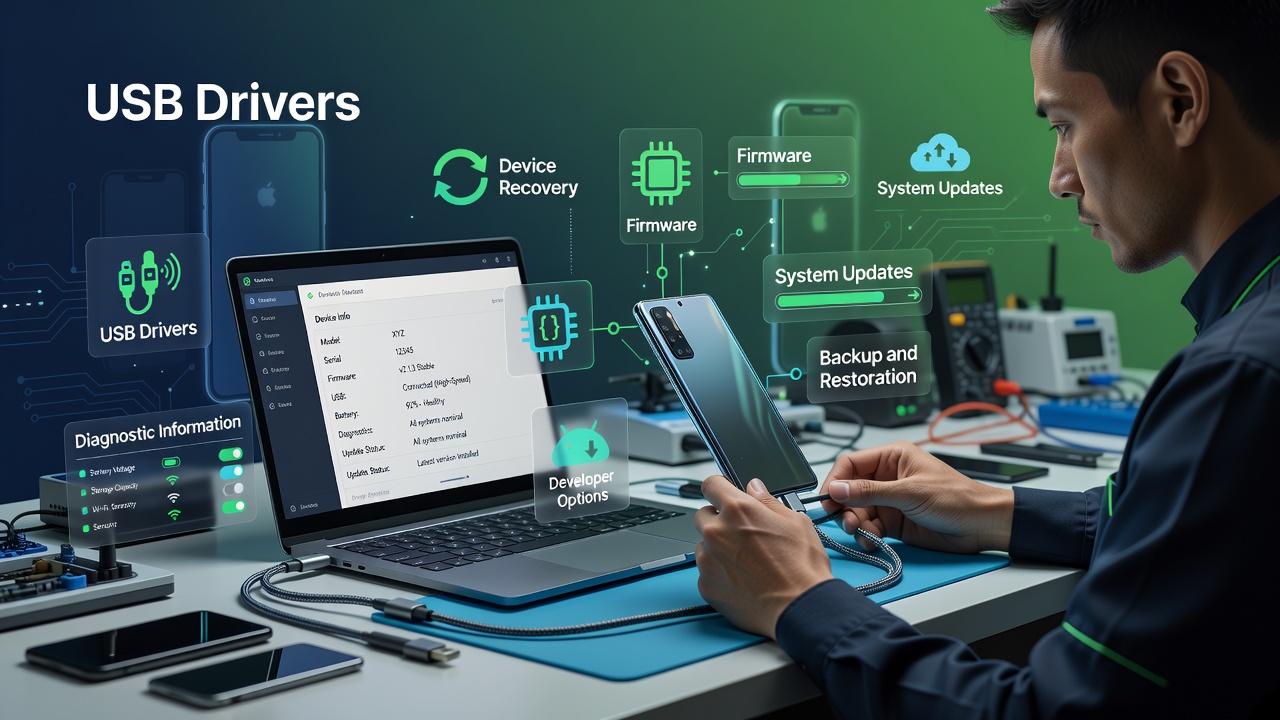
- USB drivers
- Device recovery
- Firmware
- System updates
- Backup and restoration
- Developer options
- Diagnostic information
The Android Developers documentation is a useful reference for understanding Android’s technical ecosystem.
Technicians should always verify the correct model and firmware information before performing any software procedure.
iPhone Repair and Diagnostic Tools
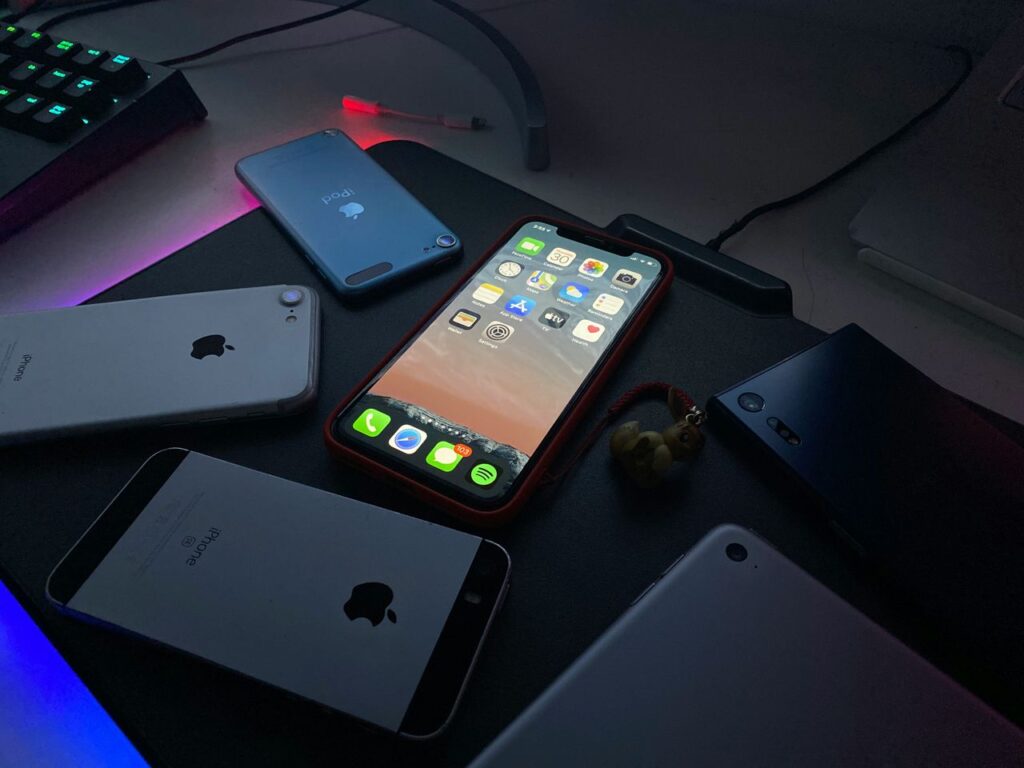
iPhones use Apple’s operating system and have their own servicing ecosystem.
For authorised troubleshooting, technicians may need to understand:
- Device backup
- Software updates
- Recovery procedures
- Restore processes
- Device diagnostics
- Apple support resources
Apple’s official support documentation provides guidance for troubleshooting and restoring supported devices.
For customer devices, technicians should also respect privacy and obtain appropriate permission before accessing or transferring personal information.
Firmware and Flashing Tools
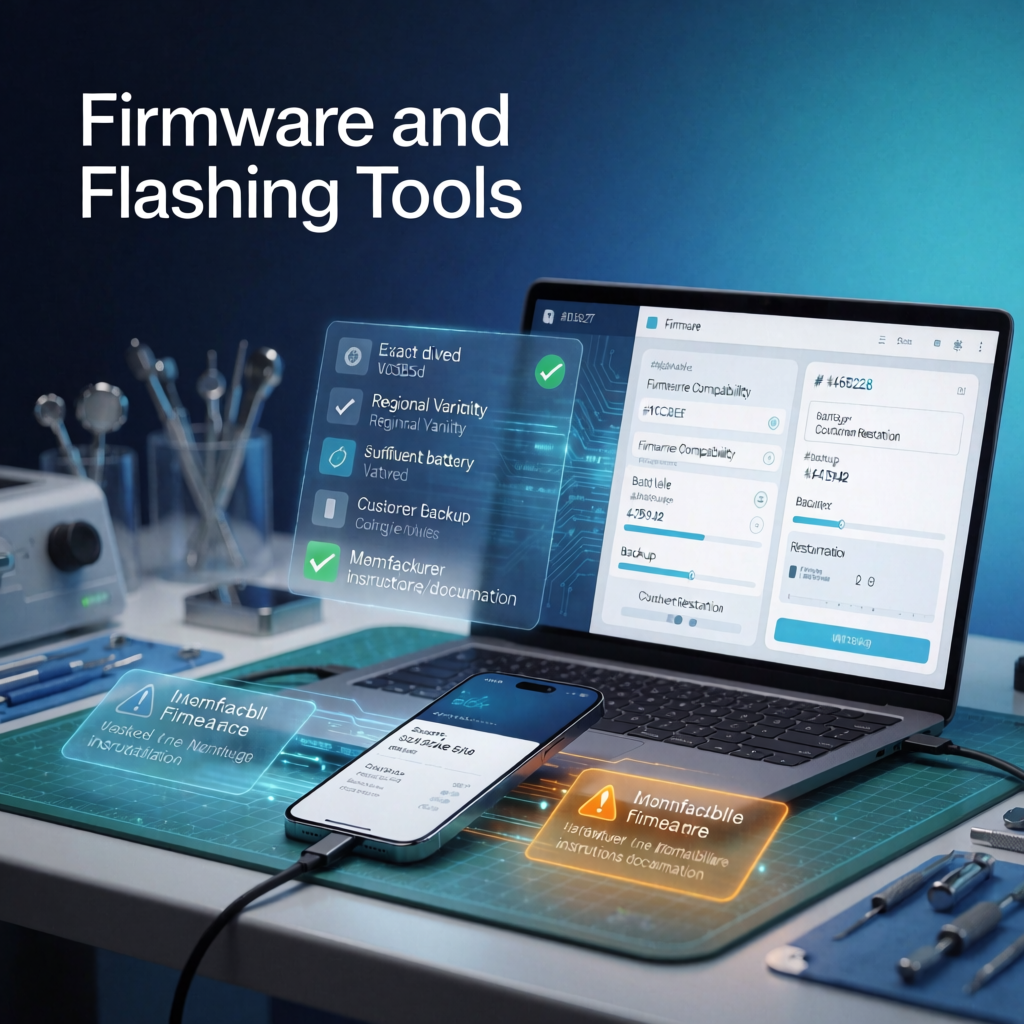
Firmware is the software that controls important functions of a device.
Technicians may encounter situations where a manufacturer-approved firmware restoration or software recovery procedure is required.
Before performing such work, verify:
- Exact device model
- Regional variant
- Firmware compatibility
- Battery level
- Customer backup
- Manufacturer instructions
A wrong firmware package can create additional problems. Therefore, technicians should never select firmware based only on a similar-looking model name.
Mobile Diagnostic Tools
Diagnosis should come before repair.
Software diagnostics can help technicians understand whether a problem is related to:
- Operating system
- Applications
- Storage
- Battery
- Connectivity
- Sensors
- Device configuration
A systematic diagnostic process can reduce unnecessary component replacement.
Data Recovery and Backup Tools
Customer data is often more valuable than the device itself.
Before performing major software work, technicians should discuss backup options with the customer whenever possible.
Important data may include:
- Contacts
- Photos
- Videos
- Documents
- Messages
- Application information
Technicians should clearly explain that certain repair or restoration procedures may affect stored data.
Never promise data recovery unless you have verified that recovery is technically possible.
Drivers and Device Connectivity Tools
A computer may not communicate correctly with a smartphone without the appropriate drivers.
Drivers can help the operating system recognise connected devices and communicate with them.
A technician should therefore understand:
- USB connectivity
- Device drivers
- Connection modes
- Device recognition
- Basic computer troubleshooting
This knowledge becomes particularly useful when diagnosing software-related problems.
Important Safety and Privacy Precautions
Software repair involves more than technical knowledge.
Technicians should also protect customer information.
Always:
- Obtain customer permission.
- Explain possible data loss.
- Keep customer information private.
- Use legitimate software where possible.
- Verify device details before servicing.
- Keep important files backed up.
- Avoid unverified software from suspicious sources.
Privacy is especially important because smartphones may contain banking information, personal photographs, business documents, and private conversations.
How Beginners Should Learn Mobile Software Repair

Beginners should avoid trying random software procedures from the internet.
A better approach is to learn the fundamentals first.
Step 1: Understand Smartphone Operating Systems
Learn the basic differences between Android and iOS.
Step 2: Learn Device Diagnostics
Understand how to determine whether a fault is hardware-related or software-related.
Step 3: Learn Computer Connectivity
Understand drivers, USB connections, and device recognition.
Step 4: Practise Backup and Recovery
Learn how to protect customer data before performing servicing procedures.
Step 5: Understand Firmware
Learn what firmware is and why compatibility matters.
Step 6: Practise Under Supervision
Hands-on practice with training devices is safer than experimenting directly on customer phones.
Hardware and Software Skills Go Together
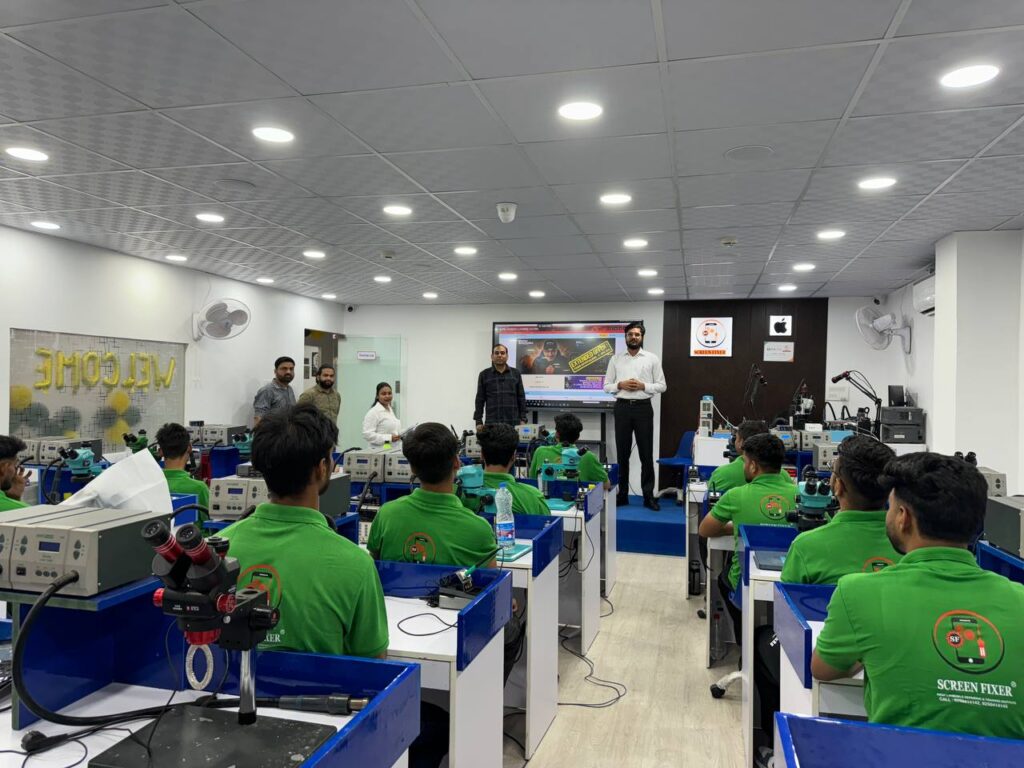
One of the biggest advantages of becoming a complete mobile technician is understanding both hardware and software.
For example, a phone that does not turn on could have:
- Battery problems
- Charging circuit problems
- Motherboard faults
- Display problems
- Software corruption
Replacing a component without proper diagnosis can waste time and money.
A skilled technician follows a structured diagnostic process before deciding on a repair.
Common Mistakes to Avoid
Beginners often make mistakes when working with mobile software.
Using the Wrong Firmware
Always verify the exact model and compatible software.
Skipping Backup
Customers should understand the potential risk of data loss.
Using Unverified Software
Unknown tools can create security and reliability risks.
Guessing the Problem
Diagnosis should come before repair.
Ignoring Manufacturer Documentation
Official documentation can provide important troubleshooting information.
How Screen Fixer Institute Helps Students
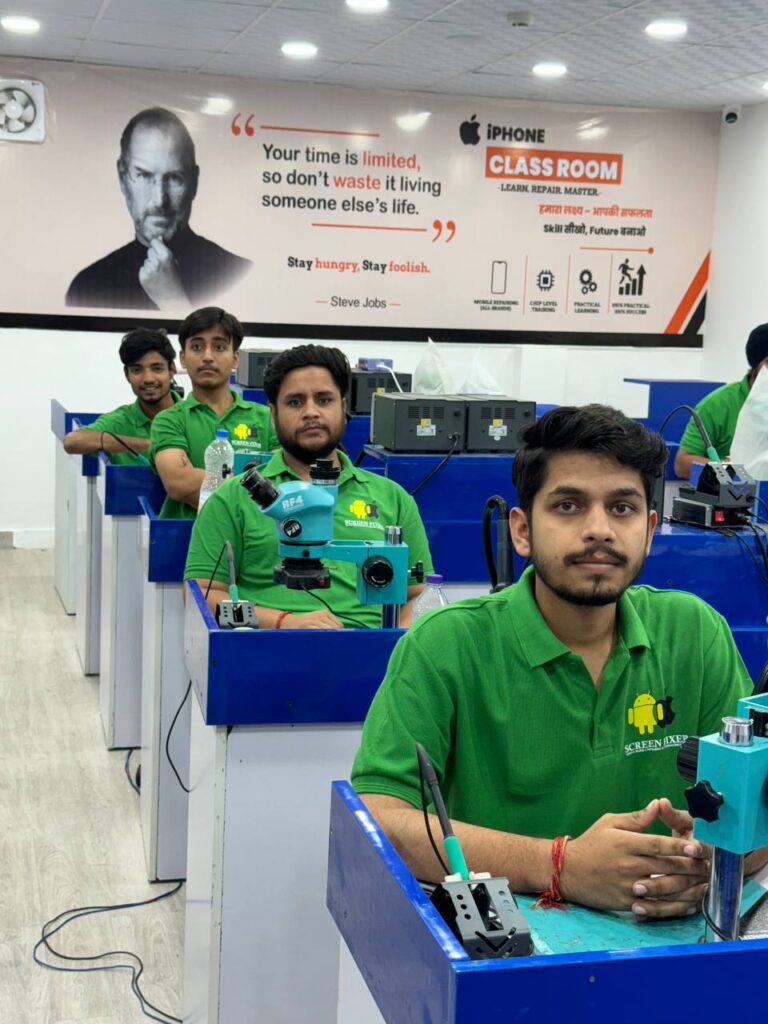
Learning mobile software repair becomes easier when students combine theory with practical training.
At Screen Fixer Institute, students can develop practical mobile repairing skills across hardware and advanced display technologies.
Training areas include:
- Android Mobile Repair
- iPhone Repair
- Mobile Hardware Repair
- Mobile Display Repair
- Edge Glass Repair
- COF IC Training
- Display Line Repair
- Fold & Flip Display Training
- Practical Fault Diagnosis
- Professional Tool Handling
The objective is to help students develop practical skills that can be applied in real-world repair environments.
Suggested Articles
Read more related articles:
Complete mobile repair tools list
Mobile Repair Technician Career
Mobile Repairing Business Guide
Mobile Repairing Course Fees in Delhi
Mobile Repair Training for Beginners
Screen Fixer Institute Courses
- Mobile Display Repairing Course
- iPhone Display Repairing Course
- Edge Glass Display Repairing Course
- COF IC Training
- Display Line Repair Training
- Fold & Flip Display Training
This creates a strong internal content network rather than leaving individual articles isolated.
Recommended Global Resources
To stay updated with smartphone technologies, you can also explore these trusted resources:
Android
Apple
iFixit Repair Guides
These resources provide additional technical and repair information for readers.
Frequently Asked Questions
What are Mobile Repair Software Tools?
They are software applications, utilities, drivers, and diagnostic resources used for legitimate smartphone troubleshooting and servicing.
Are software tools necessary for mobile repair?
Yes. Modern technicians often need both hardware and software knowledge because smartphone problems can originate from either area.
Can beginners learn mobile software repair?
Yes. Beginners can learn the fundamentals through structured training and supervised practical work.
Can software repair delete customer data?
Some restoration or servicing procedures can affect stored data. Therefore, technicians should explain the risk and discuss backups before proceeding.
Should technicians use random software tools downloaded from the internet?
It is better to use trusted, legitimate, and manufacturer-supported resources whenever available. Unverified software can introduce security and reliability risks.
Is mobile software repair included in mobile repairing training?
The exact curriculum depends on the institute and course. Students should check the syllabus and practical training offered before enrolling.
Start Your Mobile Repair Career with Screen Fixer Institute
Want to become a professionally trained mobile technician?
Screen Fixer Institute provides practical training designed for students who want to develop real-world mobile repair skills.
Why Choose Screen Fixer Institute?
✅ 100% Practical Training
✅ Android & iPhone Repair
✅ Mobile Hardware Repair
✅ Mobile Display Repair
✅ Edge Glass Repair
✅ COF IC Training
✅ Display Line Repair
✅ Fold & Flip Display Training
✅ Industry-Experienced Trainers
✅ Course Completion Certificate
✅ Lifetime Technical Support
📞 Call / WhatsApp
+91 9250414142
🌐 Visit the Website
Conclusion
Mobile Repair Software Tools are an important part of modern smartphone servicing. However, software should not be treated as a collection of random programs. Successful technicians understand diagnosis, device compatibility, data protection, and safe servicing procedures.
By combining software knowledge with hardware and display repair skills, technicians can develop a more complete understanding of smartphone repair. Most importantly, practical training helps turn theoretical knowledge into useful technical ability.
If you’re planning a career in mobile repairing, start with the fundamentals, practise safely, and continue upgrading your skills as smartphone technology evolves.