
Introduction
The smartphone repair industry is growing rapidly, and professional technicians rely on the right tools to complete repairs safely and efficiently. Whether you are learning mobile repairing or already running a repair shop, investing in quality equipment can improve repair accuracy, reduce mistakes, and build customer trust.
However, buying expensive equipment without understanding its purpose is not a smart decision. Instead, every technician should learn which tools are truly essential and how to use them correctly.
In this guide, you’ll discover the Best Mobile Repair Tools, their uses, and how they help technicians perform professional repairs.
Why Choosing the Right Mobile Repair Tools Matters
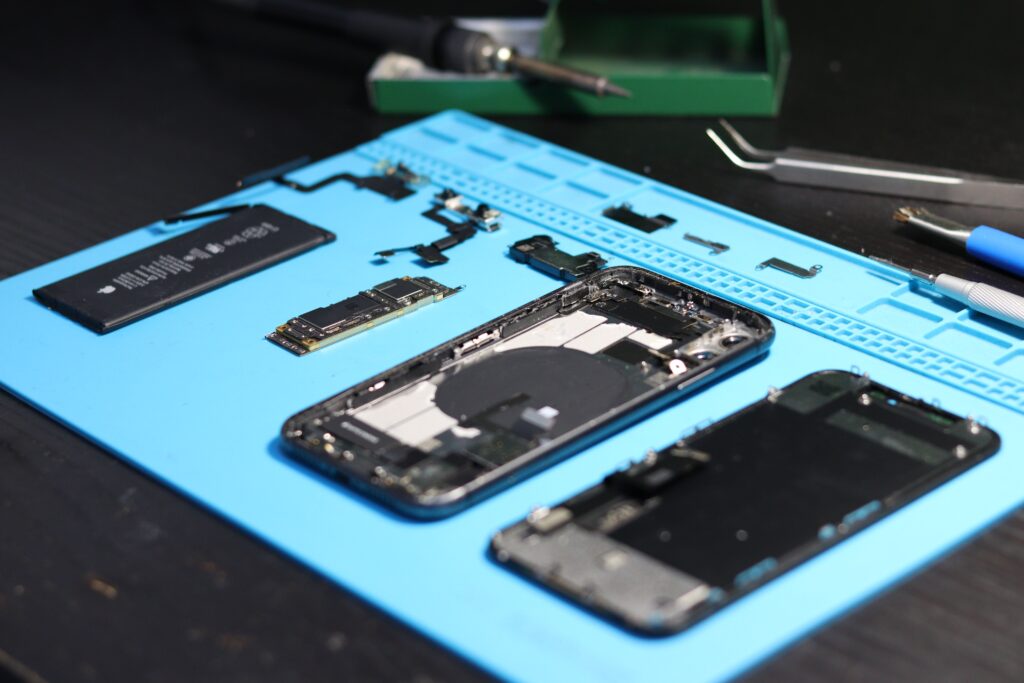
Professional repair tools are designed to improve precision and protect delicate smartphone components.
Good-quality tools help you:
- Repair devices safely
- Improve repair accuracy
- Reduce accidental damage
- Save repair time
- Deliver professional results
- Increase customer satisfaction
Therefore, selecting the right equipment is just as important as learning repair techniques.
1. Precision Screwdriver Set
Every smartphone contains multiple small screws.
A precision screwdriver set allows technicians to:
- Open smartphones safely
- Remove internal components
- Avoid screw damage
- Work on different phone models
A magnetic screwdriver set also helps prevent losing tiny screws.
2. Hot Air Rework Station
A Hot Air Rework Station is one of the most important tools for advanced mobile repairing.
It is commonly used for:
- IC removal
- IC replacement
- Flex cable work
- Heating adhesive
- Chip-level repairs
Temperature control is essential because excessive heat may damage sensitive components.
3. Soldering Station
Professional soldering stations help technicians repair electronic components accurately.
Common uses include:
- Connector replacement
- Charging port repair
- Jumper wire work
- Small component soldering
Using adjustable temperature settings improves repair quality.
4. Digital Multimeter
A Digital Multimeter helps technicians diagnose electrical faults.
It is useful for checking:
- Voltage
- Resistance
- Continuity
- Short circuits
- Battery health
Accurate testing often saves time during fault diagnosis.
5. DC Power Supply
This tool helps diagnose motherboard-related issues.
Technicians use it to:
- Detect short circuits
- Measure current consumption
- Identify dead phone problems
- Test repaired motherboards
It is considered an essential diagnostic tool.
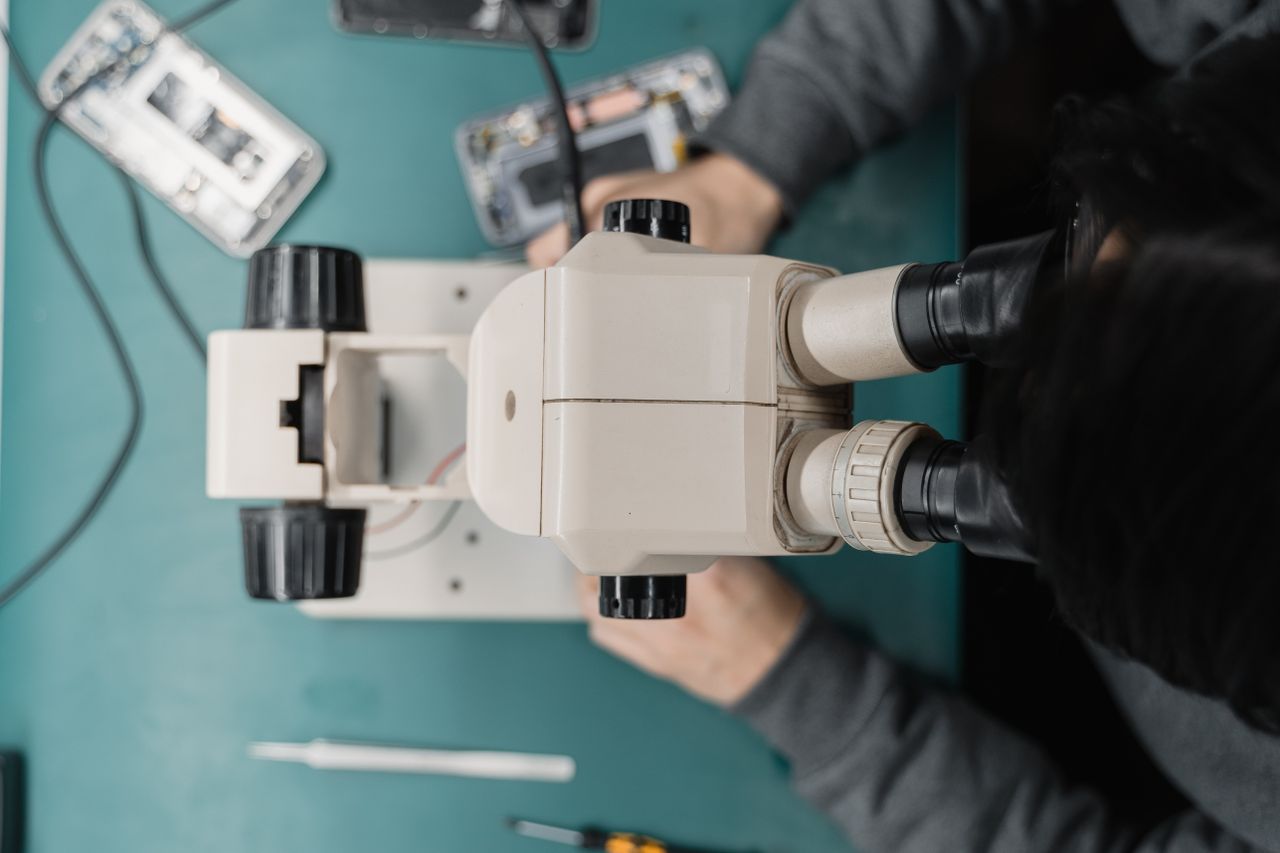
6. Stereo Microscope
Many smartphone components are too small to inspect with the naked eye.
A microscope helps during:
- IC repairs
- COF IC inspection
- Micro soldering
- Motherboard diagnosis
- Connector inspection
Professional repair labs generally use microscopes every day.
7. LCD Separator Machine
Display technicians use this machine to separate broken glass from the display.
Benefits include:
- Safe glass removal
- Better repair quality
- Reduced display damage
This machine is especially useful for OLED and AMOLED display repair.
8. OCA Laminator
An OCA Laminator is used after glass replacement.
It helps:
- Bond new glass
- Maintain display clarity
- Produce professional finishing
Proper lamination improves customer satisfaction.
9. Bubble Remover Machine
After lamination, tiny air bubbles may remain.
A Bubble Remover eliminates these bubbles and improves the final display quality.
10. Display Tester
A Display Tester allows technicians to test displays before installation.
It helps verify:
- Touch functionality
- Display quality
- Brightness
- Color accuracy
Testing before installation reduces repeat repairs.
11. Ultrasonic Cleaner
This machine helps clean:
- Motherboards
- Corroded components
- Water-damaged parts
Proper cleaning can improve inspection and repair.
12. Tweezers and Plastic Opening Tools
Small accessories are equally important.
Technicians frequently use:
- Anti-static tweezers
- Plastic pry tools
- Opening picks
- Suction cups
These tools help prevent cosmetic damage.
13. Anti-Static Mat and Wrist Strap
Static electricity can damage electronic components.
Using anti-static protection improves repair safety, especially during motherboard work.
14. Cleaning Equipment
A clean workspace produces better results.
Useful cleaning items include:
- IPA Cleaning Solution
- Microfiber Cloth
- Dust Brush
- Air Blower
Keeping devices clean also improves repair quality.
Which Tools Should Beginners Buy First?
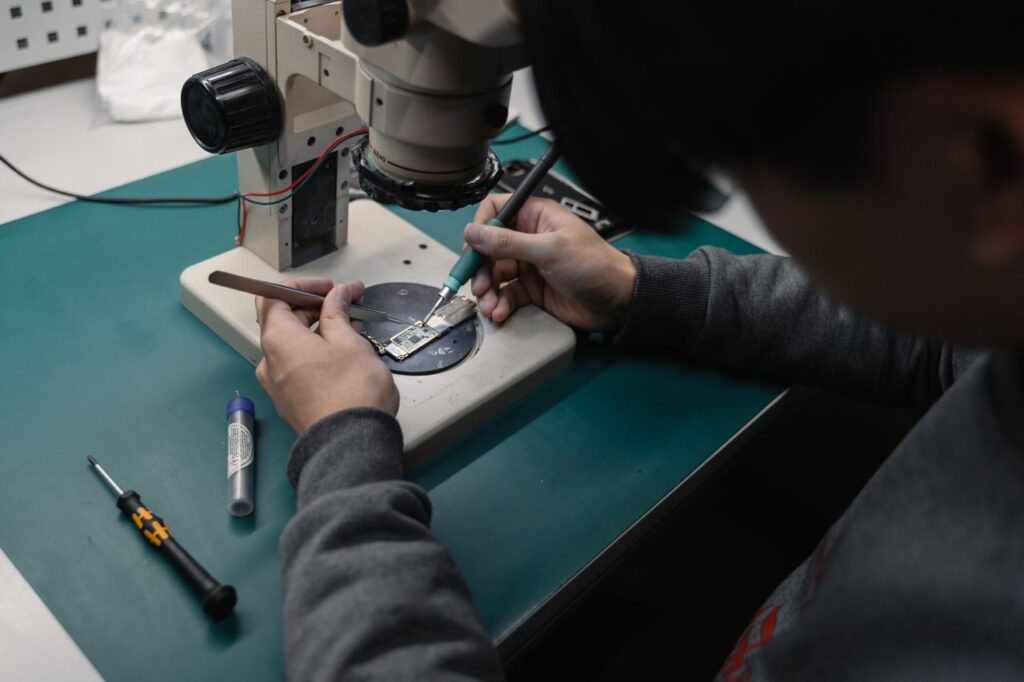
If you are just starting, begin with:
- Precision Screwdriver Set
- Digital Multimeter
- Soldering Station
- Hot Air Station
- Tweezers
- Cleaning Kit
- DC Power Supply
As your skills improve, you can gradually invest in advanced equipment such as microscopes, laminators, and display repair machines.
How Professional Training Helps
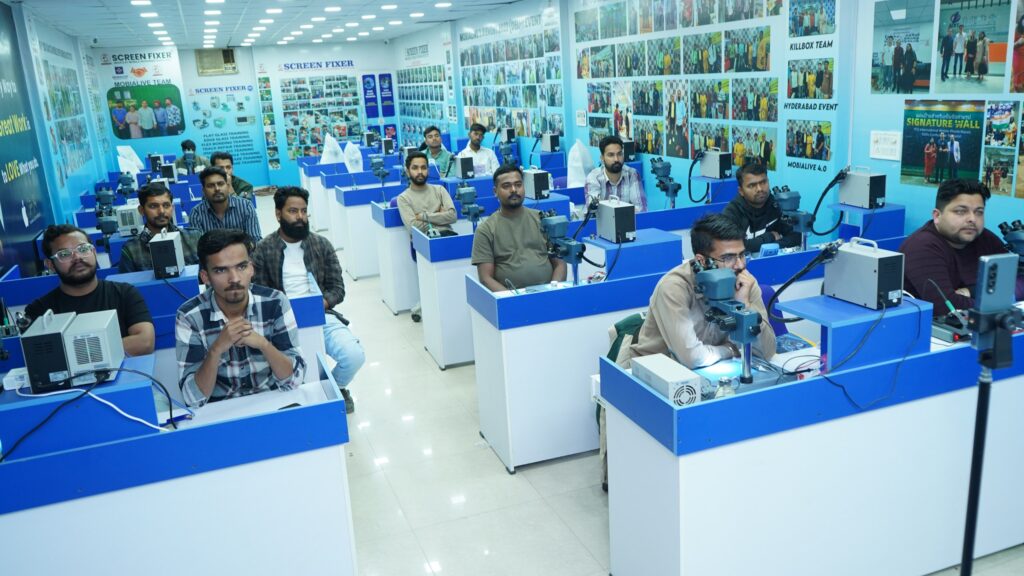
Buying tools alone does not make someone a technician.
Instead, students should learn:
- Proper tool handling
- Safe repair techniques
- Fault diagnosis
- Temperature control
- Component identification
- Practical troubleshooting
Structured training helps avoid common mistakes.
Common Mistakes While Using Mobile Repair Tools
Many beginners:
- Use excessive heat
- Buy poor-quality tools
- Skip safety precautions
- Use the wrong screwdriver
- Forget to test the device
- Ignore ESD protection
Avoiding these mistakes improves repair quality.
Why Choose Screen Fixer Institute?
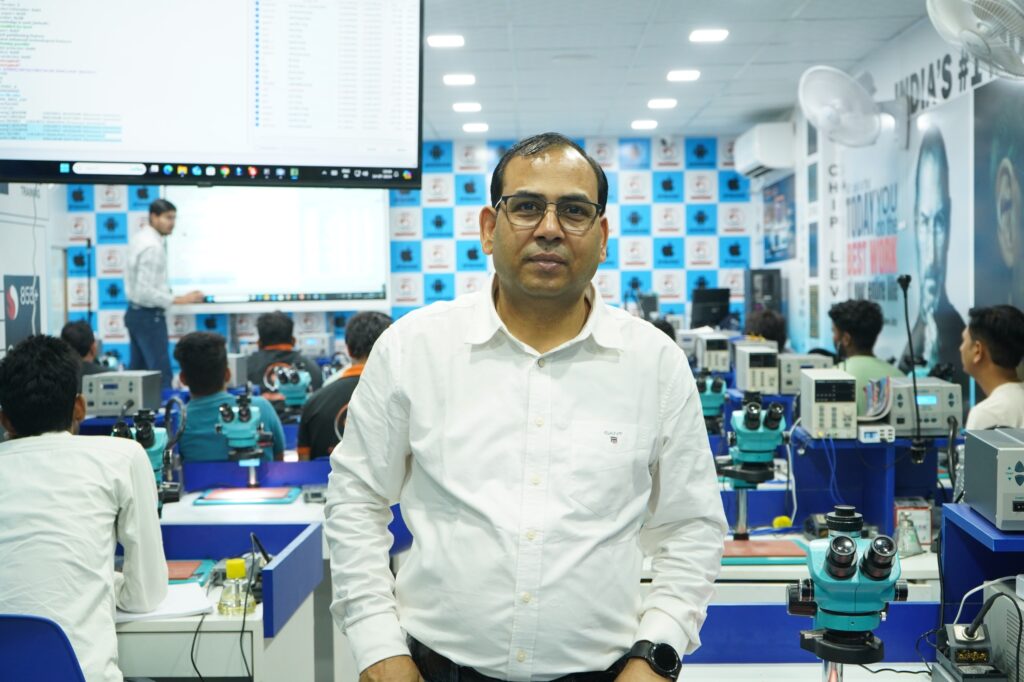
At Screen Fixer Institute, students learn to use professional repair tools through practical sessions.
Training includes:
- 100% Practical Training
- Live Mobile Repair Practice
- Android & iPhone Repair
- Mobile Display Repair
- OLED & AMOLED Training
- COF IC Training
- Display Line Repair
- Fold & Flip Display Training
- Modern Repair Laboratory
- Course Completion Certificate
- Lifetime Technical Support
Related Articles
Read more related articles:
- Mobile Repairing Course
- Mobile Repairing Business Guide
- Mobile Repair Technician Career
- Mobile Repairing Salary in India
- Certified Mobile Repairing Institute
- Mobile Display Repairing Course
- Mobile Display Repairing Tips
- Mobile Display Repairing Course Fees
- Edge Glass Display Repairing Course
- iPhone Display Repairing Course
- COF IC Training
- Display Line Repair Training
- Fold & Flip Display Training
Global Resources
For additional technical information:
- Apple Support – https://support.apple.com/
- Android Developers – https://developer.android.com/
- iFixit Repair Guides – https://www.ifixit.com/
Frequently Asked Questions
Which is the most important mobile repair tool?
A precision screwdriver set, multimeter, soldering station, and hot air rework station are among the most commonly used tools for professional technicians.
Do beginners need expensive equipment?
Not necessarily. Beginners can start with essential tools and gradually expand their toolkit as their skills and repair requirements grow.
Why is a microscope used in mobile repairing?
A stereo microscope helps technicians inspect tiny components, perform micro soldering, and diagnose motherboard issues more accurately.
Is practical training important before using advanced tools?
Yes. Proper guidance helps technicians use equipment safely and reduces the risk of damaging customer
Join Screen Fixer Institute
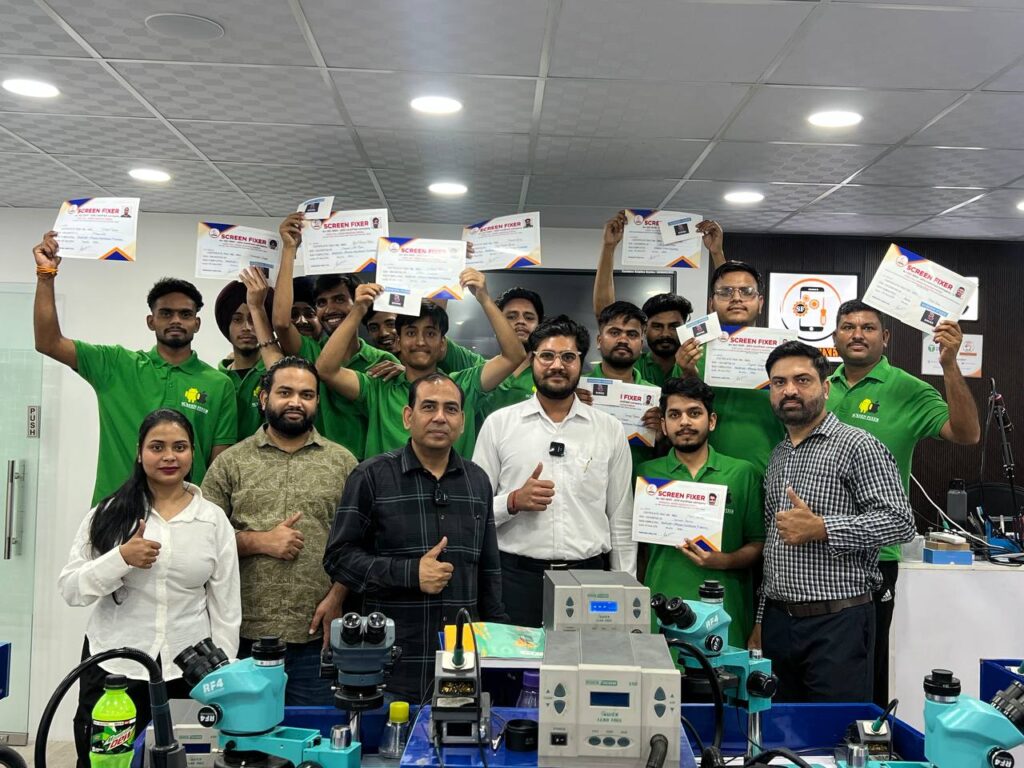
Want to learn how to use professional mobile repair tools with hands-on training?
Screen Fixer Institute
✅ 100% Practical Training
✅ Live Device Practice
✅ Android & iPhone Repair
✅ Mobile Display Repair
✅ COF IC & Display Line Repair
✅ Modern Repair Lab
✅ Course Completion Certificate
✅ Lifetime Technical Support
📞 Call / WhatsApp: 9250414142
🌐 Website: https://www.screenfixerdelhi.com
📍 Address:
RZD-70, 2nd Floor, Mahavir Enclave Main, Palam Dabri Road, Above ICICI Bank, Near Dashrath Puri Metro Station, Under Lenskart, New Delhi – 110045